The Canada immigration official website is not one tidy page. It’s a large collection of government pages, tools and sign-in portals, and almost nobody explains how the pieces connect until you have to figure it out under pressure. That confusion is exactly what scam sites count on.
I’ve spent ten years in Canada’s settlement sector, the last eight leading a team in Regina, and one of the most common things I do with newcomers is sit down and show them where things actually live. Here’s the map. Every page named below was checked on October 27, 2026, and each is linked at the end so you can confirm it yourself.
This is general information, not immigration advice. For advice about your own case, you need a licensed immigration lawyer or a licensed immigration consultant. The website will tell you the rules and give you the tools. It will not tell you what to do in your situation.
Table of Contents
- Which Addresses Are Official
- The Pages You’ll Actually Use
- Your IRCC Secure Account
- Processing Times: What They Do and Don’t Tell You
- The IRCC Help Centre
- Spotting Fake Websites, Emails and Calls
- What to Do If You Think You’ve Been Scammed
- When the Website Isn’t Enough
- Sources
Which Addresses Are Official
Immigration, Refugees and Citizenship Canada (IRCC) is the federal department that handles immigration, and its official website sits under the Government of Canada’s main address, canada.ca. Some IRCC tools use a sub-address of that same domain, such as ircc.canada.ca, which is where the free settlement services finder and the Help Centre live. Both belong to canada.ca. What matters is the part right before the first single slash: if it ends in .canada.ca, it is part of the Government of Canada’s site.
The same logic applies to email. IRCC says that a message sent from a private address or a free web-mail address such as Yahoo, Hotmail or Gmail, and not from a Government of Canada “gc.ca” or “Canada.ca” email account, is a warning sign. IRCC also says its employees will never use free email services such as Hotmail, Gmail or Yahoo Mail to contact you.
The Pages You’ll Actually Use
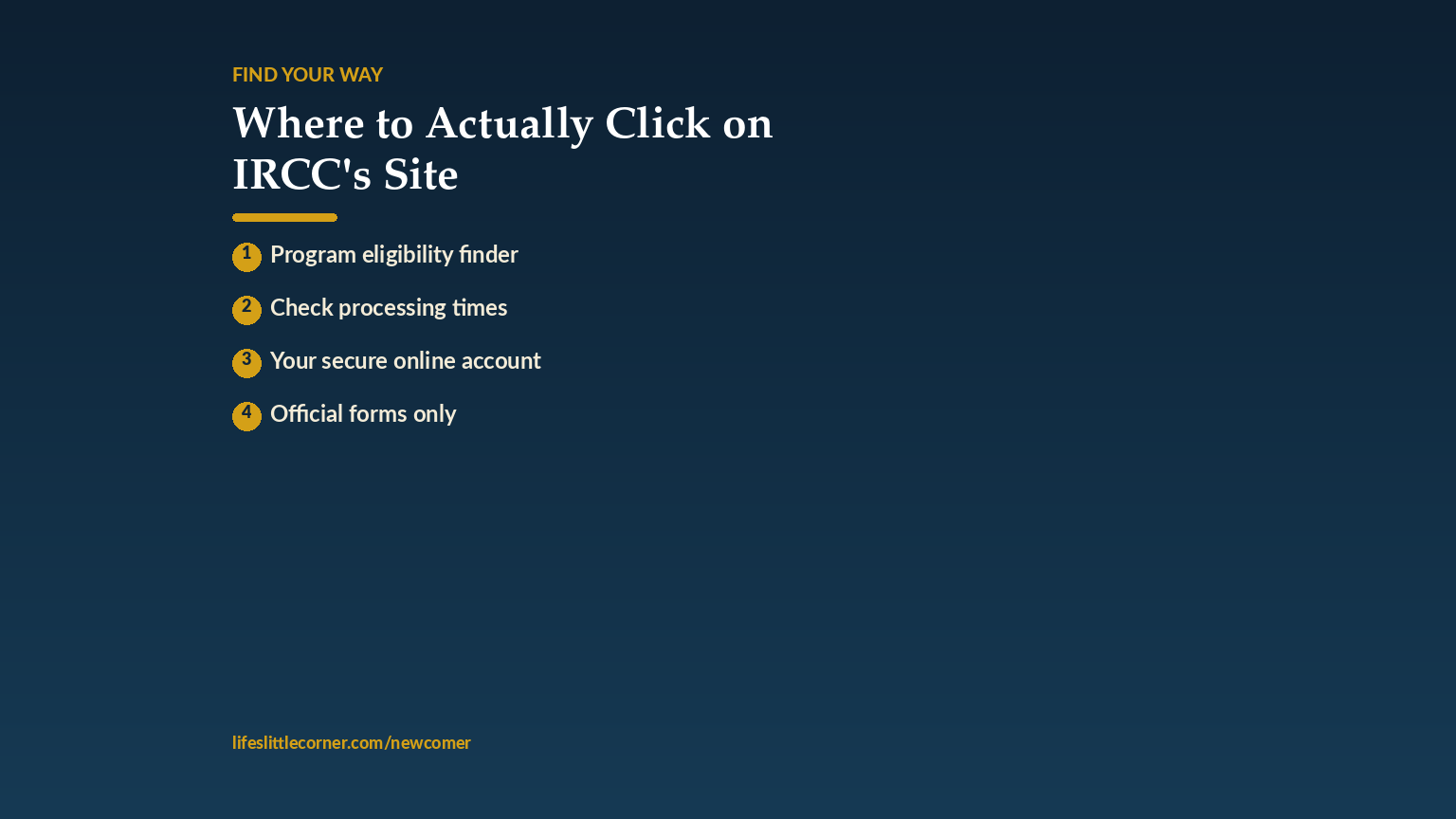
A handful of pages cover most of what a newcomer needs. Here they are in one place:
| What you need | Where to find it |
|---|---|
| The department’s main page, with “Most requested” links | canada.ca, Immigration, Refugees and Citizenship Canada |
| Settling in Canada: free services, finding a job, benefits and taxes | The “Settling in Canada” section on the main IRCC page |
| Free settlement services near you | The IRCC “Find free newcomer services near you” tool on ircc.canada.ca |
| Your application: sign-in, status, forms, fees | The “Your IRCC application” section |
| How long applications are taking | The “Check current IRCC processing times” page |
| Answers to specific questions | The IRCC Help Centre |
| Scam warnings and how to report them | The “Protect yourself from immigration fraud” section |
The free services tool is worth a bookmark. IRCC says you can get its free settlement services if you’re eligible, and the tool lets you enter a postal code, city, province or territory to find service provider organizations near you, including help finding a job.
Get the free First 30 Days in Canada Checklist
Skip the guesswork on which page you actually need, from someone who helps newcomers every day.
Your IRCC Secure Account
If you have applied, or are about to apply, you will use an IRCC secure account. IRCC’s status page explains that you can create a secure IRCC online account and link it to your existing application, and that how you check your status depends on the type of application. Express Entry, visitor visa, study permit, permanent resident card and work permit applications each have their own instructions on that page.
You sign in with either a GCKey username and password or a Sign-In Partner. IRCC’s sign-in page also asks you to check that you have the right account for your application, because not every application type uses the same one. If yours isn’t listed, IRCC tells you to review your program’s own page for instructions on how to apply.
Two habits protect you. First, always reach the sign-in page by typing canada.ca yourself or by following a link from the IRCC page, never from an email or text. Second, never share your username or password with anyone who offers to “handle it for you.” If a licensed representative helps you, there are proper ways to authorize them without handing over your sign-in details.
For the bigger picture of what happens once you are in the system, see the Canada immigration process explained, what the official site won’t tell you.
Processing Times: What They Do and Don’t Tell You
The processing times page lets you select an application type and get an idea of how long it takes IRCC to process it. IRCC says the times are updated regularly, and it adds an important caveat: your application may take longer than the times shown, and they are not a maximum or a guarantee.
That caveat is the most useful line on the page. Treat the number as a planning range, not a promise. Do not book non-refundable travel, resign from a job or sign a long lease based on the best-case figure. And if you see a website that sells a “guaranteed” or “faster” timeline, read the next section.
The IRCC Help Centre
Before you email or call IRCC, search the IRCC Help Centre. It is a searchable collection of questions IRCC has already answered publicly, organized by topic, with featured topics and popular questions such as when your processing time starts. It is not glamorous, but it often resolves a question faster than a general explainer can, because it is built from questions real applicants have already asked. It sits on ircc.canada.ca, so the same address check applies.
Spotting Fake Websites, Emails and Calls
Look-alike sites copy the government’s look, charge for things that are free, or simply collect your personal information. IRCC publishes its own guidance on this, and the points below follow it closely.
- Check the address bar. IRCC says the address in your browser should match the address you typed.
- Forms are free. IRCC says free application forms and guides for all its services are on its website. If a site charges you for the form itself, be suspicious.
- No guarantees. IRCC says not to pay for offers of guaranteed entry into Canada or faster processing, and that these claims are false.
- Look for the padlock. Never enter private information unless there is a padlock in the browser window or “https://” at the beginning of the address.
- Be wary of unsolicited links. IRCC warns about websites advertised in emails from strangers you didn’t ask for.
IRCC also lists things its employees will never do. They will never ask you to deposit money into a personal bank account, ask you to transfer money through a private money transfer service, threaten you, offer special deals to people who want to immigrate, or use free email services to contact you. IRCC says it will never send you an email asking for your private information, will never ask you for any sort of payment by telephone, and will never start a conversation through social media or send you instant or direct messages.
That list gives you a simple test. If a “government officer” calls demanding payment, threatens deportation or arrest, or asks you to wire money or buy gift cards, it is a scam, whatever the caller ID says. Hang up, then contact IRCC through the number on canada.ca.
What to Do If You Think You’ve Been Scammed
If you have already paid or shared information, do not stay silent out of embarrassment. Scammers count on that. Stop all contact, keep every message, receipt and screenshot, and contact your bank right away if you sent money. IRCC has a page called “How to report scams, fraud or abuse” that sets out how to report fraud if you are in Canada, and it is also worth telling your local settlement agency, who see these cases often and can point you to the right next step.
When the Website Isn’t Enough
The official site is thorough, but it isn’t always intuitive, especially when you’re stressed. If you’re stuck, your local settlement agency, which you can find through the free services tool above, can walk you through the page you need, often in your own language, at no cost if you’re eligible. A settlement worker who spends the week inside these pages can often find what you need in minutes, where an unfamiliar visitor might spend an hour clicking between menus. Asking for help is not a last resort. It is the efficient option.
When you’re ready for the practical steps, see Canada immigration requirements, the real checklist and how to apply for Canada immigration, step by step. And if you’ve just arrived, your first 72 hours in Canada shows what to do in what order.
Free: First 30 Days in Canada Checklist
Get the exact order, straight from a settlement-sector team leader.
Sources
All pages were checked on October 27, 2026. Government pages change, so confirm on the official page before you act.
- Immigration, Refugees and Citizenship Canada (main page)
- Find free newcomer services near you
- Sign in to your IRCC secure account
- How to check the status of your IRCC application
- Check current IRCC processing times
- IRCC Help Centre: featured topics
- Protect yourself from immigration fraud
- Online and telephone immigration scams
- How to report scams, fraud or abuse
You did something hard to get here. Canada is worth the effort. You just need the map.